
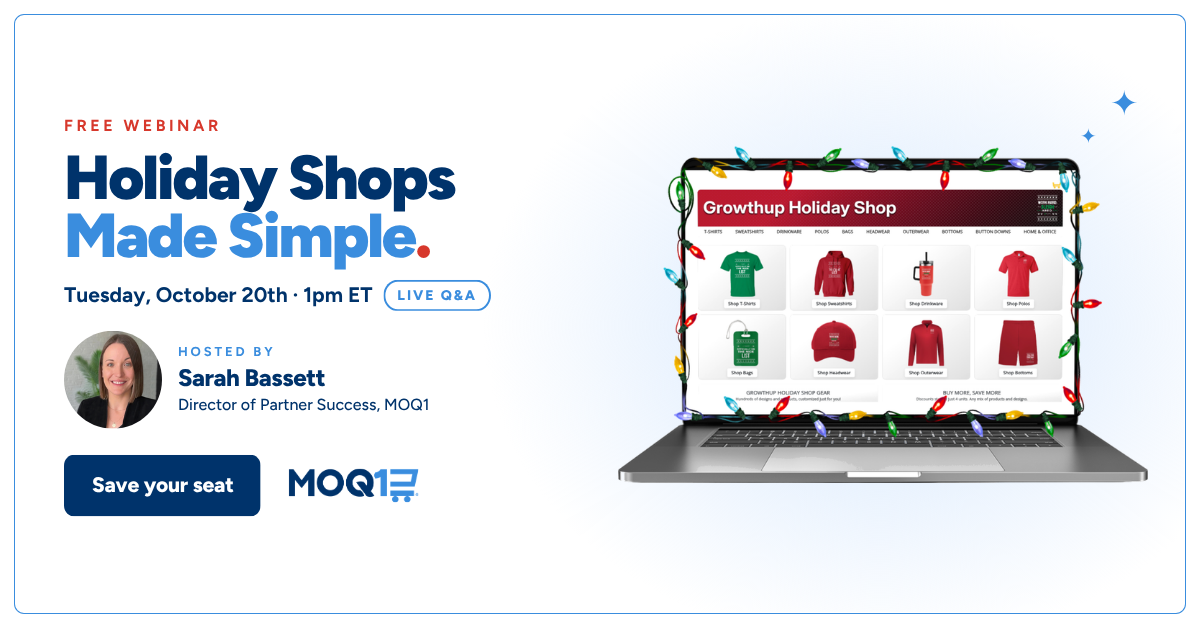
The holiday season doesn’t have to end in early November. In this session, we built a holiday shop live, start to finish, and showed you everything you need to send it to a client.
Our Director of Partner Success, Sarah Bassett, sets up the shop in real time, adds a seasonal design, makes a branded flyer for it and walks through the Kick-Start Promotion. Then an open Q&A.
Watch the full session below.
What’s covered
Building a holiday shop, live. Upload a logo, pick colors, launch. The shop goes live pre-stocked with apparel and gifts, so there’s nothing to choose product by product and nothing to buy first.
Adding a seasonal design. The free Holiday Design Generator creates festive designs for the client’s shop, ready for apparel, drinkware and anything else in the catalog.
Making a branded flyer. The free Holiday Shop Flyer gives you something to send: what the shop is, what it’s for and where to order, with your logo and their branding. Download it as a PDF or PNG.
The Kick-Start Promotion. What it is, how it works and how to use it with the shops you’re launching this season.
Live Q&A. Questions from the live audience, answered on the call.
Who it’s for
Whether you’ve launched dozens of shops on MOQ1 or you’re still deciding if it’s right for your business, this session shows exactly how a holiday shop comes together and what to send the client once it’s live.
Existing users can follow along and finish with a shop and a flyer ready for their first holiday client. Prospects get a real look inside the platform, from logo upload to shareable link.
The timing works in your favor. Traditional lead times close holiday orders in early November. With 1–2 day production, you can keep saying yes deep into December.
Ready to build yours?
The tools from the session are free on the tools page. For the full season plan, download the 2026 Holiday Shops Playbook. New to MOQ1? Create a free account and launch your first shop in minutes.